What if you could:
- Auto-fill a dedicated site from an MLS number instead of retyping beds and baths
- Text the seller one link they are proud to forward
- Share branded or unbranded when MLS rules require it
- Create the site yourself, or have our team build it in a listing package (Marketing Assistant add-on)
- Pair it with a guestbook and a sphere text the morning it goes live
Sellers compare more than commission. They compare how you will present the house. A portal link and a PDF is what everyone else brought. A site for their property feels like the campaign already started.
Ask Emma cannot create the site. She can rewrite the text on a page for you to approve, and she can file a listing package request for our team. You review before you publish or send. Filling a site from the MLS needs an MLS connection.
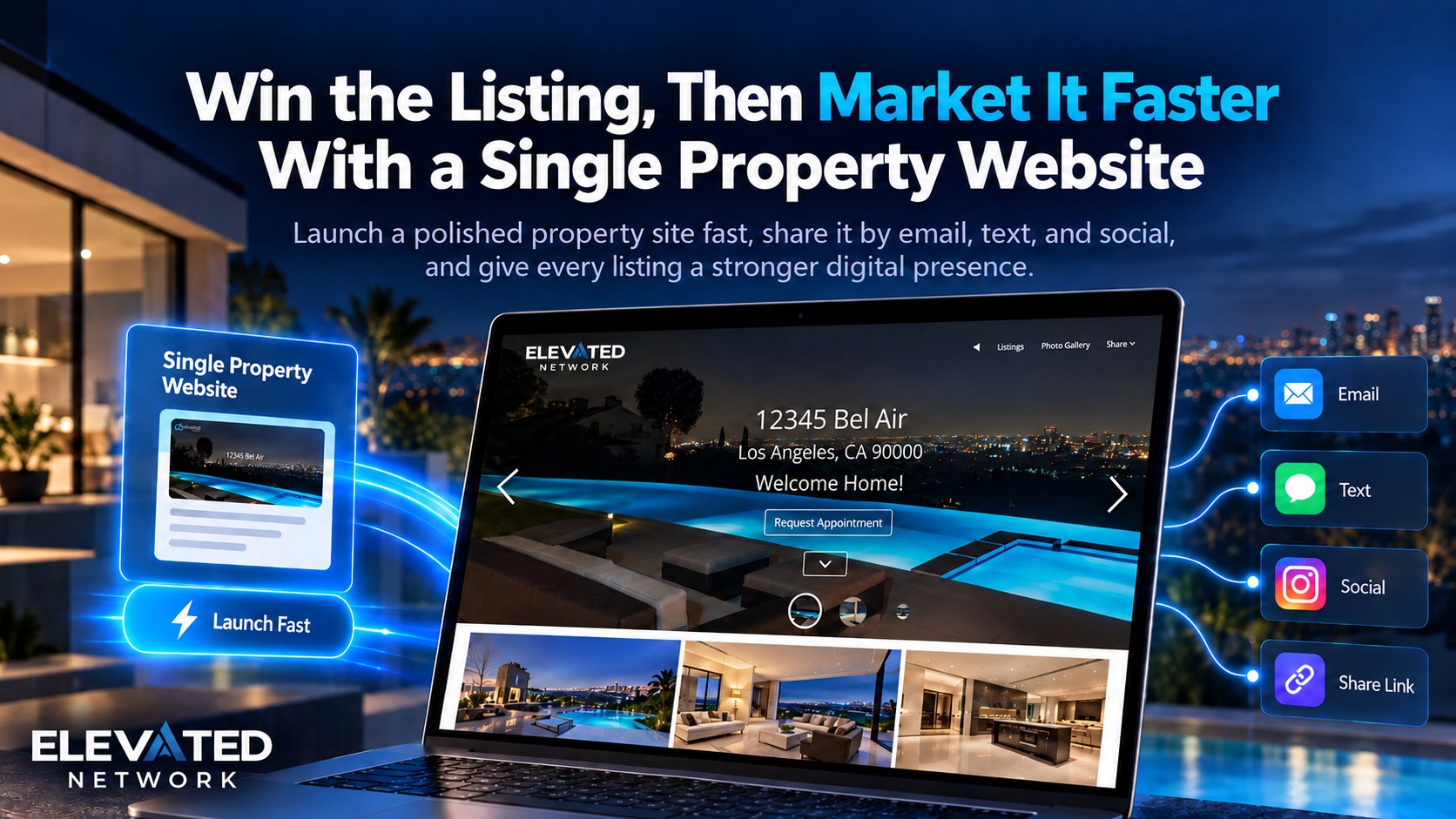
What is a Single Property Website?
In Elevated it is a listing tour: MLS-filled details and photos, built to share. You create it from Websites (Single Property Website). With the Marketing Assistant add-on, our team builds one for you as part of a listing package.
1. Built from the MLS, not a blank page
The problem: You should not retype remarks the night before it goes live.
What you can do: Create the site and auto-fill from the MLS. Check it on a phone — sellers will.
Example: Enter MLS 24001234 and let the site fill in.
2. Share it everywhere the listing lives
The problem: Asking people to hunt an address in IDX search loses the moment.
What you can do: Email the sphere, text the seller, post socially, use it at the open house.
Example: Seller gets the branded link first. Then the sphere.
3. Unbranded when compliance requires it
The problem: MLS rules are not optional, and you discover that the week it hits.
What you can do: Use the unbranded version when your association expects it. Save both links where you can grab them.
Example: Branded for the seller. Unbranded for the channel that requires it.
How it compares
| Factor | Single Property Website | Portal URL only |
|---|---|---|
| Seller impression | Dedicated site | Generic search result |
| MLS fill | Yes | N/A |
| Unbranded option | Yes | N/A |
| Done for you | By our team, with the add-on | You paste the link |
How to start (20 minutes)
- Create the site from the listing / MLS.
- Check photos and story on mobile.
- Save branded and unbranded links.
- Send branded to the seller first.
- Schedule one sphere share the day it goes live — not “when I have time.”
Common questions
Q: Can Emma publish without me?
A: No. Emma does not create or publish the site. You do.
Q: Do I still need my main IDX site?
A: Yes. SPW is one listing. My Site is your presence and search.
Q: Is this extra?
A: It is part of the website suite on membership ($49.99/month new-member pricing).
The bottom line
Win the listing, then stop marketing it with a portal URL alone. You still do the open house. The site makes the house easy to send.
Ready to build one?
Members: use the next listing. Prospects: start a 14-day trial and create one for an MLS number you have permission to market.
Start Your Free Trial → (opens in new window)
Card required to prevent spam; you will not be charged if you cancel before the trial ends. Cancel anytime in account settings.