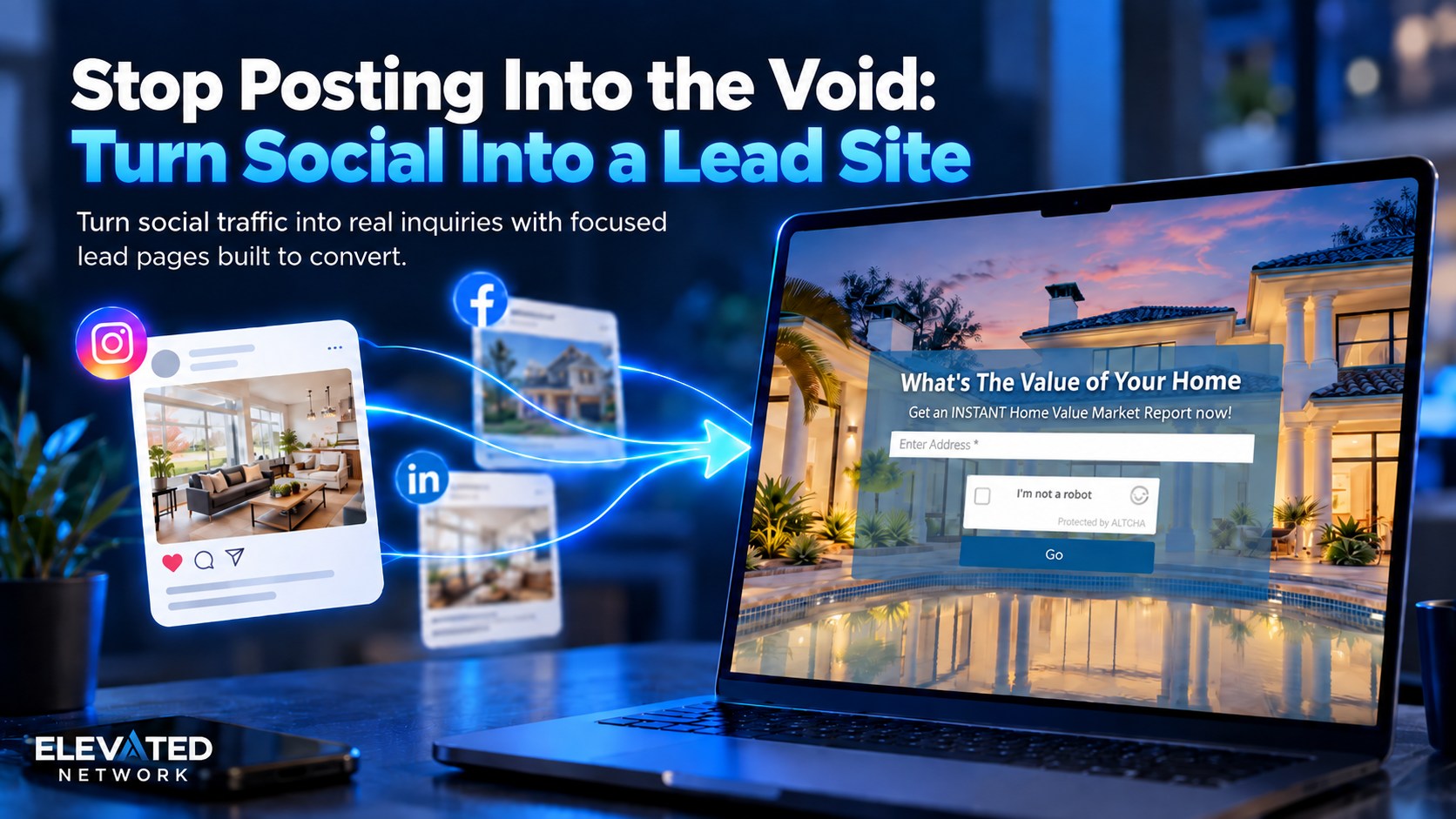
The caption asked what the home was worth, and the link underneath went to an about page. People liked the post, and nobody inquired. The post did its job. The door behind it did not.
Social is distribution, not the offer. The offer is a page with one ask, whether that is home value, homes for buyers, or "tell me what you are looking for." A bio link to a homepage is how people bounce.
This does not replace ad skill or a posting habit. You still follow each platform's rules, you still disclose ads, and a draft is not a post until you publish it. You still message the lead.
The play
- Decide the one offer for this week: seller value, buyer homes, this listing, or this open house.
- Use a page that matches that offer, not the generic homepage.
- Share it with a short URL. Put the same QR on any print you pair with it.
- When they convert: alert, CRM, a human follow-up, and a drip if they are not ready.
- Repeat weekly. A different offer and a different link, so you can tell what worked.
1. Match the page to the post
The problem: The caption says "what's your home worth?" The link is your about page.
How to run it: Use a page built for that offer, whether it is for buyers, home value, one listing, the open house check-in, or an offer of your own. You do not take last week's page down to run this week's.
Example: A seller-curious post goes to the home-value page. A listing post goes to a page for that house. An open house post goes to the check-in or the listing page.
2. Make the link survivable
The problem: A 90-character URL looks like spam, and you cannot tell if the post did anything.
How to run it: Share a short link, and add a QR code when the same offer is on paper. After the weekend, look at clicks and scans, and use a separate link for each campaign.
Example: One short URL for this Facebook post only.
3. Close the loop in the CRM
The problem: Messenger threads and a comments pile are not a database.
How to run it: The form lands as a contact, with an alert, a source, a place on your pipeline, and a drip if they are not ready. An automatic email reply to a new form lead is optional, and it is separate from the message you write yourself.
Example: "Link in the comments," plus the short URL. The form is the capture, not the comment thread.
4. Get the page up before you post
The problem: You will post when the page exists. The page never exists.
How to run it: Make the lead website yourself. If Emma is on your account, she can rewrite the text on the page for you to approve. You still approve the brand, and you still follow MLS rules.
Example: A buyer lead website for first-time buyers in [city].
How it compares
| Play | Link in bio to homepage | A lead page + a short URL |
|---|---|---|
| Offer | Vague | One job |
| Measure | Vanity likes | Clicks, scans, and CRM leads |
| Follow-up | "Saw your comment" | A record, a drip, and a call |
I'm not going to tell you an ad return. I do not invent one. See Member Reviews.
How to start this week
- Pick one offer.
- Publish or reuse the matching lead page.
- Create a short URL used only for this post.
- Post twice: your profile, and one group or page you are allowed to use.
- Work every convert the same day.
Common questions
Q: Do I need paid ads?
A: No, not for the system. Ads can add fuel. The page and the CRM matter either way.
Q: Can Emma run my Facebook?
A: No. She can rewrite the text on a page you built, for you to approve. You post. I am not saying she runs your social account.
The bottom line
Likes are not listings. A phone-sized offer, plus a CRM, is a lead system. Social is just how you hand people the door.
If you want to see how I set this up for agents, that's what Elevated does. Here is where to look (opens in new window).