What if you could:
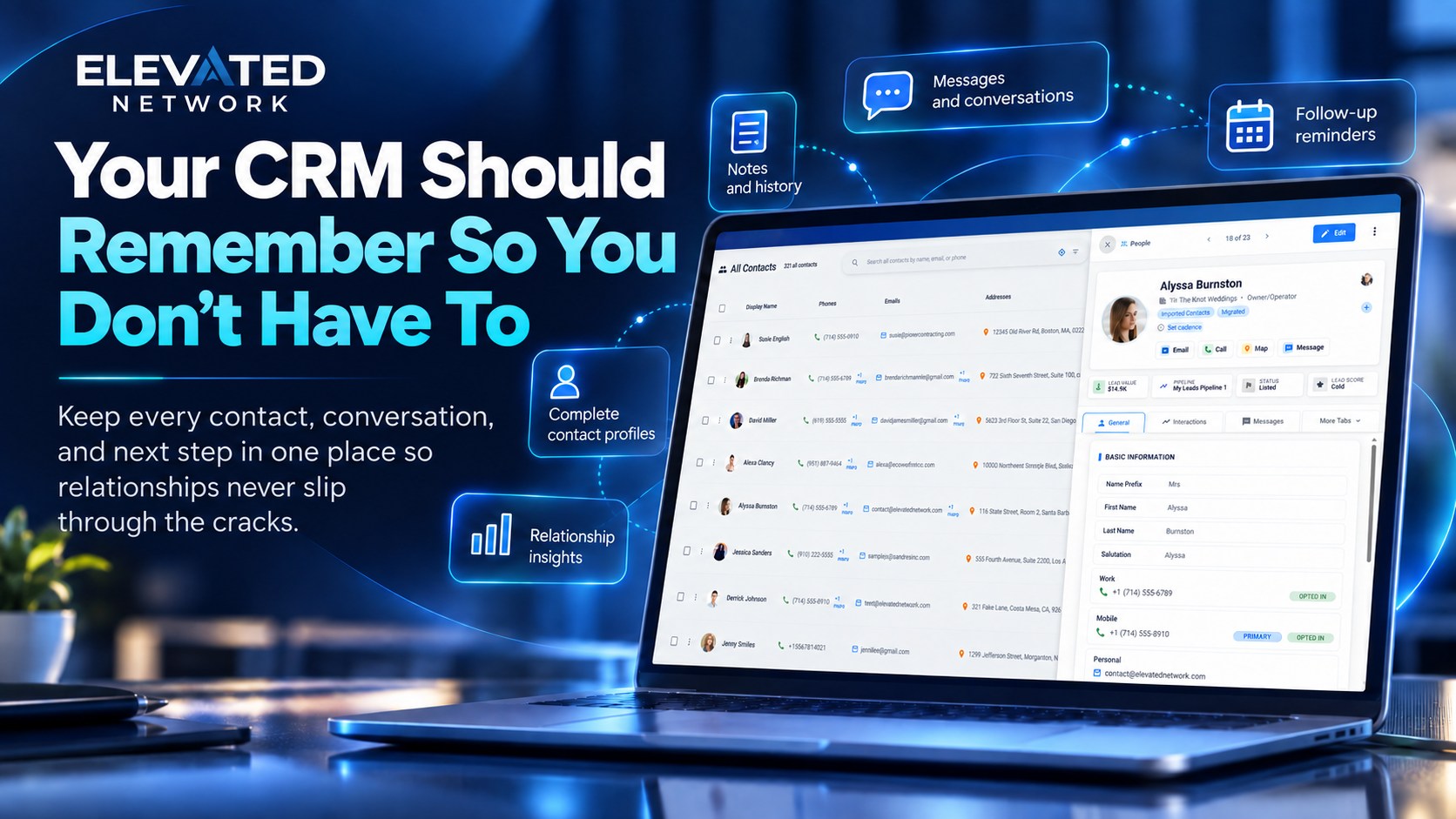
- Open a contact and see phones, dates, lead source, and last touch in one glance
- Text or email from the record so the thread is not on your personal phone
- Group past clients and put quiet people on a drip without rebuilding a list
- Ask Emma, if she is on your account, to find someone and summarize interactions before you call
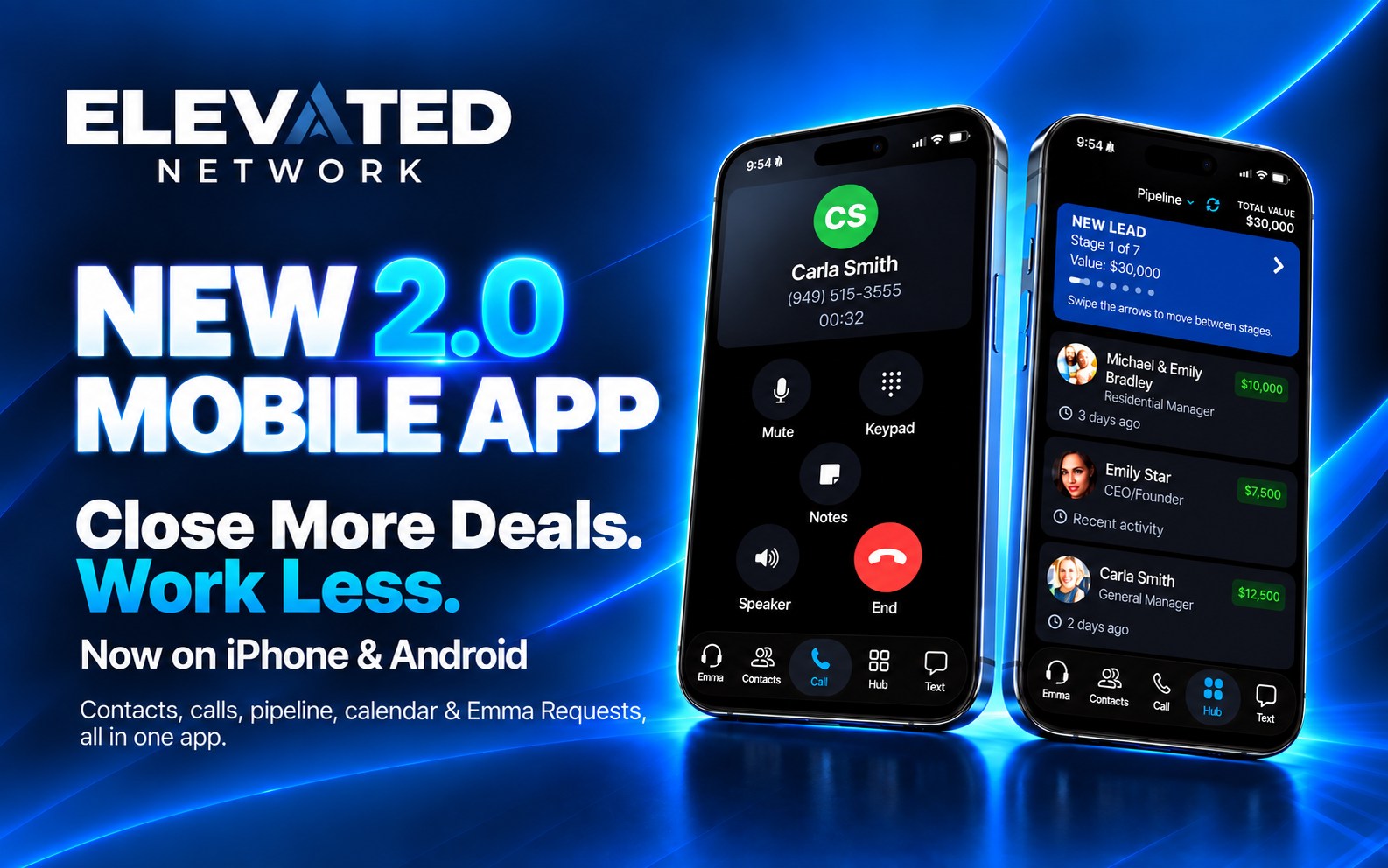
- Take the same database with you in the mobile app
People expect you to remember them — the condo they almost bought, the school district, the fact that they text. You can carry that for twenty clients. You cannot carry it for two thousand.
Elevated’s Smart CRM is built around generate, cultivate, automate. Capture the person. Keep the history. Let follow-up run when you are not staring at the screen. What you see still depends on your services and permissions.
What is the Smart CRM?
It is the people system inside app.elevatednetwork.com (opens in new window): contacts, groups, notes, lead pipeline, messaging history, and the mobile app. Unlimited contacts are included in new-member pricing ($49.99/month).
1. One record, the whole conversation
The problem: A past client calls after two years and you are reconstructing the file from old emails.
What you can do: See photo, phones, emails, addresses, company, important dates, social links, lead source, groups, and last contacted. Notes are date- and time-stamped. Attach documents and photos.
Example: “Find my contact Sarah Chen and summarize our last interactions before I call.” (Ask Emma, then open the card.)
2. Market to many, speak to one
The problem: A blast that says “Hi everyone” trains people to mute you.
What you can do: Write one text or email, merge the name, send to a group, schedule it. Use drips for people who are not ready this week. Hot leads get a same-day personal note. Warm and cold stay on a plan.
Example: One scheduled text to past clients, first name merged, Tuesday 10 a.m.
3. Groups and views instead of a filing cabinet
The problem: “Who should I email today?” is not a plan.
What you can do: Groups (sphere, past clients, farm, open house visitors). Saved views and relative dates (birthdays in the next 60 days) so you do not rebuild the search every Monday.
Example: Save a view “dates coming up” and open it every week.
4. Pipeline when they are a lead, directory when they are not
The problem: Your dentist and a hot buyer look the same in a flat list.
What you can do: Lead Pipeline is a board of opportunities (stages, value, last activity). Remove someone from leads without deleting the contact.
Example: Add Saturday’s guestbook names to New Leads, then move them when you have talked.
5. Mobile, so the driveway counts
The problem: The lead hits while you are not at a desk.
What you can do: Text, call (when web calling is enabled), activity, lead notifications, and Emma requests from the app on the same database.
Example: Reply to a text from the contact record before you start the showing.
How it compares
| Factor | Elevated Smart CRM | Spreadsheet + phone |
|---|---|---|
| History | Notes, texts, emails on the contact | Split across apps |
| Outreach | Personalized group send + drips | Copy-paste |
| Leads | Pipeline board + scores/chips when in use | Color the cell yellow |
| Assistant | Ask Emma can find, add, import, summarize | None |
We do not publish fabricated case studies. See Member Reviews for real Google feedback.
How to start this week
- Fix phones and emails you actually use.
- Group past clients.
- Log one real conversation as a note.
- Send one personalized text to a small group.
- Enroll a quiet segment in a drip.
Prospects: import a slice of your real book — not sample data — and see if you can find, message, and schedule the next touch without leaving the platform.
Common questions
Q: Does the CRM text my leads automatically as Emma?
A: No. Ask Emma does not text or email anyone. The automatic reply to a new lead from a form is an email, and it is a separate setting.
Q: Are contacts limited?
A: Unlimited contacts are part of new-member pricing.
Q: Can I get a recap before a call without clicking five screens?
A: Ask Emma to find the contact and summarize interactions, then open the card.
Pricing
Included in Elevated Network. New-member pricing: $49.99/month — CRM, email & SMS, website builder, Emma (monthly credits), unlimited contacts. Text and calling need an Elevated phone number (costs extra). Email, SMS, and calling/dialer use credit allotments.
The bottom line
A CRM that sits unused is a subscription. A CRM that remembers the details is how you keep clients for life. You still make the call. The file should already know who they are.
Ready to try it?
Start a free 14-day trial. Import real contacts and send one message from the record.
Start Your Free Trial → (opens in new window)
Card required to prevent spam; you will not be charged if you cancel before the trial ends. Cancel anytime in account settings.
Questions? Ask Emma in the app or call (866) 582-Emma.